---
title: API Testing
description: Test the APIs exposed by the backend SDK.
sidebar:
order: 1
---
The following guide goes over the process of testing backend APIs with Postman. These APIs are automatically exposed via the backend SDK (`/auth/*` path).
:::info[Important]
- Make sure that the ThirdParty Recipe is correctly setup in your backend
- For the examples given below, the backend runs on domain `localhost` and port `3001`.
- You can find the Open API spec for the APIs under test [in the SwaggerHub API documentation](https://app.swaggerhub.com/apis/SuperTokens/FDI).
- Postman does cookie management on its own. You don't need to manually set cookies on each request.
:::
## 1. Sign up
The `/auth/signinup` API requires the `redirectURI`, `thirdPartyId`, and `code` attributes to appear as a JSON object in the request body.
- `redirectURI`: It is the link that redirects the user after authentication. For example, for sign in with Google, the value of this is `{websiteDomain}/auth/callback/google`.
- `thirdPartyId`: The id used to identify the provider. For example, if Google is a ThirdParty provider, its `thirdPartyId` is `google`.
- `code`: The auth code that the third party provider sends when they call the `redirectURI` (post auth from their UI).
- On a successful response, a new user session creates session tokens set in the response, and the response body contains the `user` object, the `createdNewUser`, and `status` values as JSON data.
- The following session tokens appear:
- `sAccessToken`
- `sRefreshToken`
- More information about these cookies is available [in the session management security documentation](/post-authentication/session-management/security#cookie-consent).
## 2. Session verification
- You can also test APIs that require the user to log in.
- For example, there is an API used to query user data with the `verifySession` middleware as shown below.
```tsx
import express from "express";
import { verifySession } from "supertokens-node/recipe/session/framework/express";
let app = express();
// The following code snippet is an example API. You do not need to
// implement it in your app
app.post("/change-user-data", verifySession(), async (req, res) => {
let userId = req.session.getUserId();
// mutate some user data
res.send({
userId,
});
});
```
```go
import (
"encoding/json"
"net/http"
"github.com/supertokens/supertokens-golang/recipe/session"
"github.com/supertokens/supertokens-golang/supertokens"
)
// The following code snippet is an example API. You do not need to
// implement it in your app
func main() {
http.ListenAndServe(":3001", supertokens.Middleware(http.HandlerFunc(func(rw http.ResponseWriter, r *http.Request) {
// Handle your APIs..
if r.URL.Path == "/change-user-data" {
session.VerifySession(nil, func(w http.ResponseWriter, r *http.Request) {
sessionContainer := session.GetSessionFromRequestContext(r.Context())
w.WriteHeader(200)
w.Header().Add("content-type", "application/json")
bytes, err := json.Marshal(map[string]interface{}{
"userId": sessionContainer.GetUserID(),
})
if err != nil {
w.WriteHeader(500)
w.Write([]byte("error in converting to json"))
} else {
w.Write(bytes)
}
}).ServeHTTP(rw, r)
return
}
})))
}
```
```python
# The following code snippet is an example API (fastapi). You do not need to
# implement it in your app
from supertokens_python.recipe.session.framework.fastapi import verify_session
from supertokens_python.recipe.session import SessionContainer
from fastapi import Depends, FastAPI
app = FastAPI()
@app.post('/change-user-data')
async def change_user_data(session: SessionContainer = Depends(verify_session())):
user_id = session.get_user_id()
# Mutate some user data.
return {"userId": user_id}
```
- In Postman, set the request type to `POST`.
- Set the URL to `http://localhost:3001/change-user-data`
- If you have the `antiCsrf` attribute set to `VIA_TOKEN` in your backend SuperTokens configuration, then in the Postman Header tab, set a key as `anti-csrf` and value as the `anti-csrf` token retrieved from the login response.
- On a successful response, the response body contains user data.
:::info[Important]
By default, for `GET` APIs, you don't need to provide the `anti-csrf` request header as anti-CSRF checks are only done in non-`GET` APIs
:::
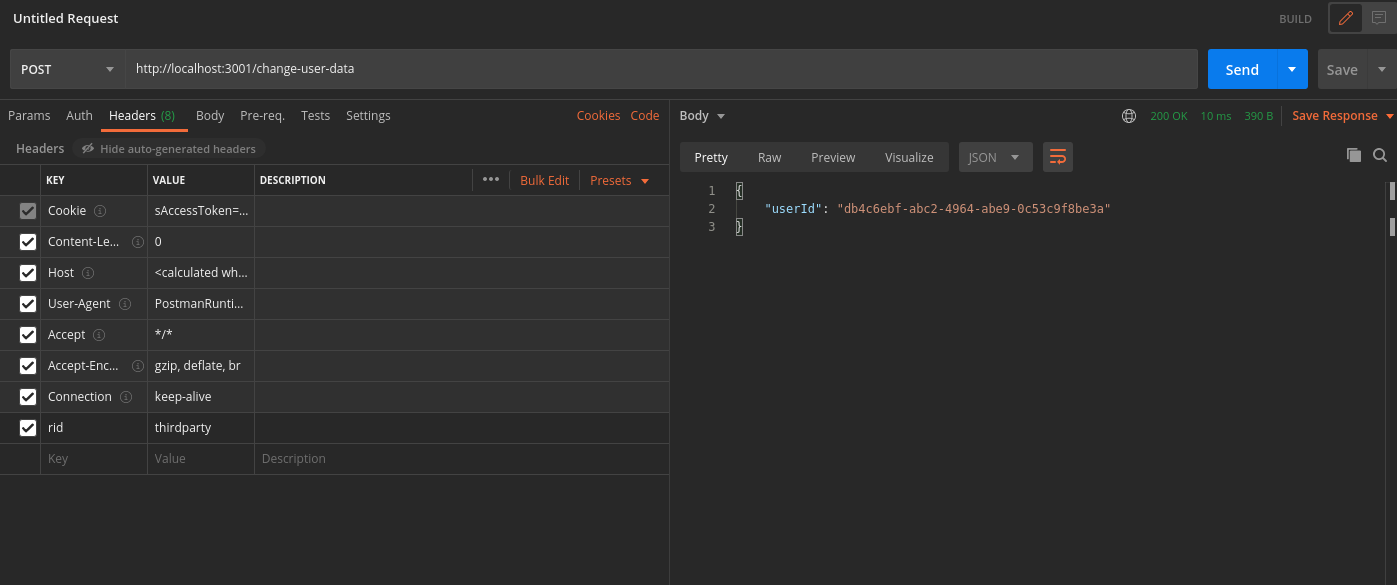 In case you query the `/change-user-data` API with an expired access token, you receive a `401` response with the message `try refresh token`.
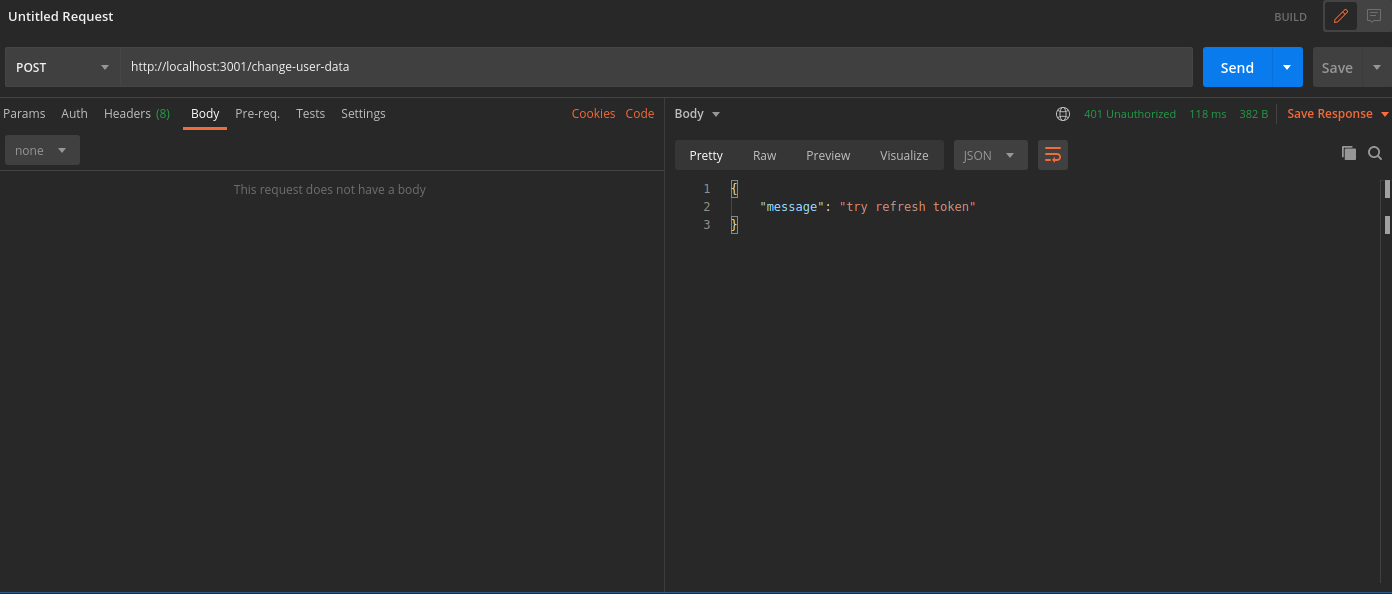 To generate new session tokens you can use the `/auth/session/refresh` API as shown in the next section.
## 3. Refreshing session tokens
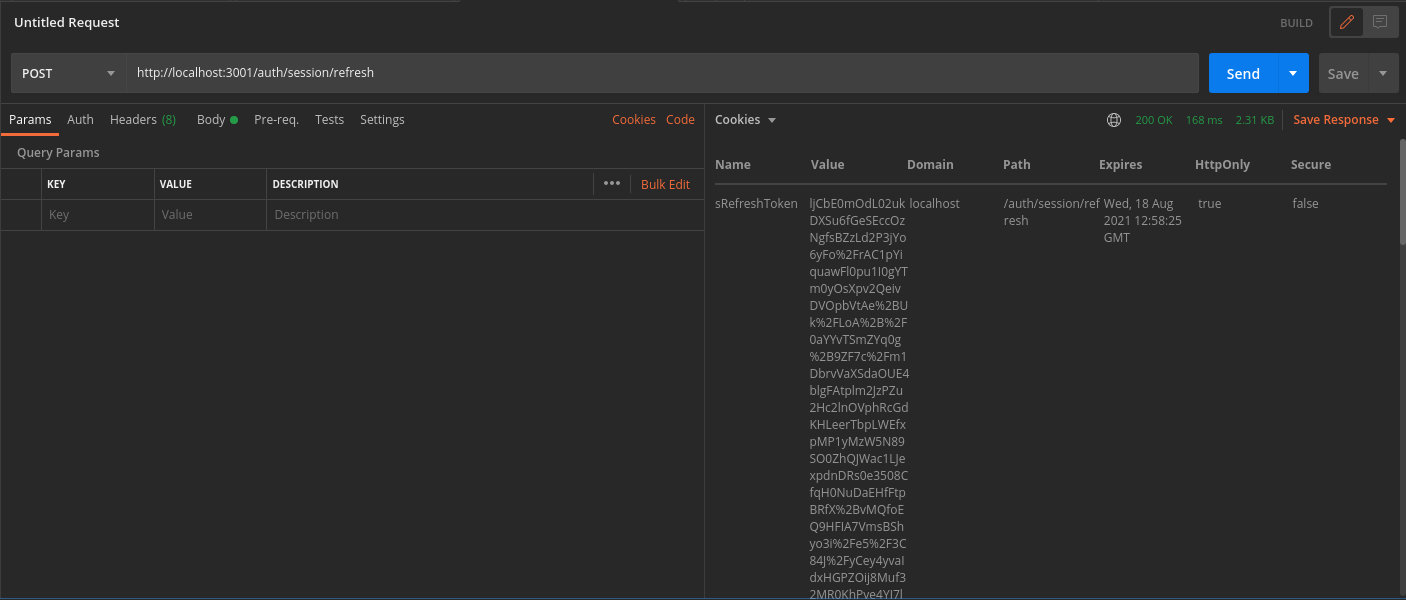
In case your `access token` expires you can call the `/auth/session/refresh` API to generate a new `access token` and `refresh token`.
- In Postman, set the request type to `POST`.
- Set the URL to `http://localhost:3001/auth/session/refresh`
- On a successful response, the system sets new session tokens.
To generate new session tokens you can use the `/auth/session/refresh` API as shown in the next section.
## 3. Refreshing session tokens
In case your `access token` expires you can call the `/auth/session/refresh` API to generate a new `access token` and `refresh token`.
- In Postman, set the request type to `POST`.
- Set the URL to `http://localhost:3001/auth/session/refresh`
- On a successful response, the system sets new session tokens.
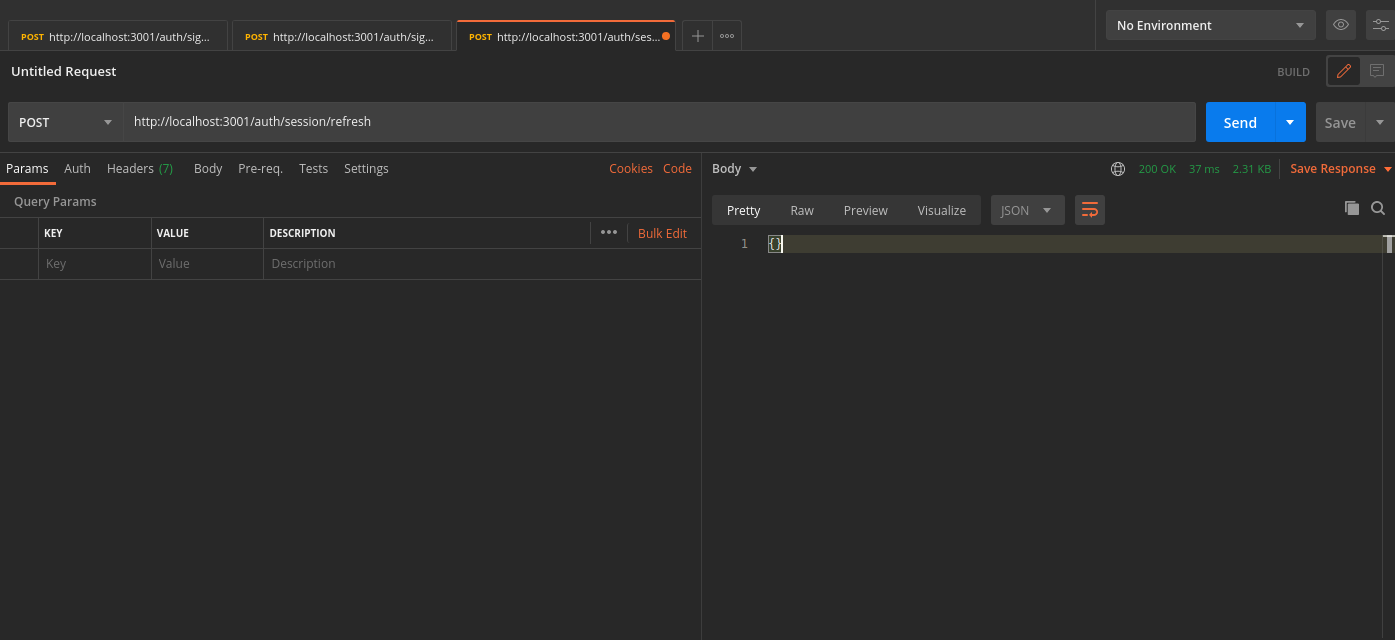 You can see the new session tokens by switching to the cookies tab
 ## 4. Logout
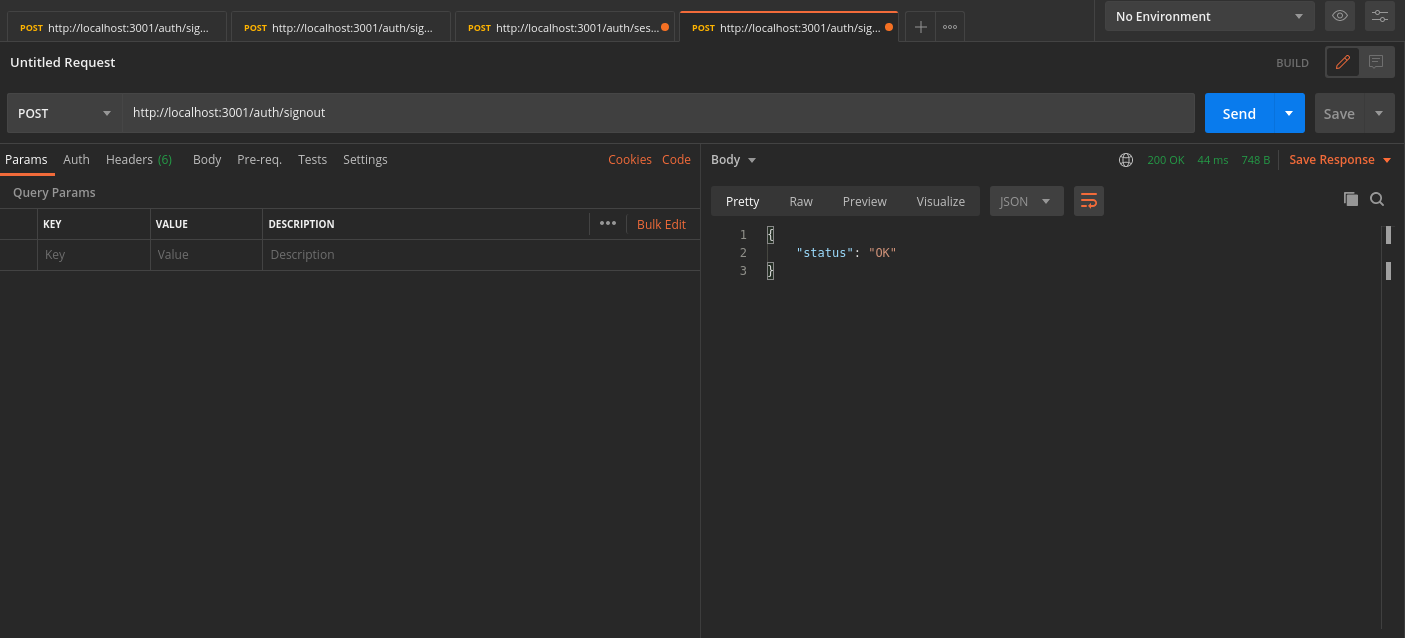
The `/auth/signout` API invalidates the user sessions. This clears the session cookies set in Postman.
- In Postman, set the request type to `POST`.
- Set the URL to `http://localhost:3001/auth/signout`
- On a successful response, Postman and the database clear the session tokens.
## 4. Logout
The `/auth/signout` API invalidates the user sessions. This clears the session cookies set in Postman.
- In Postman, set the request type to `POST`.
- Set the URL to `http://localhost:3001/auth/signout`
- On a successful response, Postman and the database clear the session tokens.